Vektor is a self-hosted documentation platform I’ve been building as an alternative to tools like Notion or Confluence. The core idea: keep it minimal, keep it fast, and make it extensible.
It’s built on Astro + Vue 3 with a Tiptap editor, libSQL for storage, and Bun as the runtime.
The Editor
The editor is the heart of the app. It supports the things you’d expect — headings, lists, tables, code blocks, images — but also multi-column layouts, inline mentions (@user), table formulas, and a slash-command palette for quick access to any action.
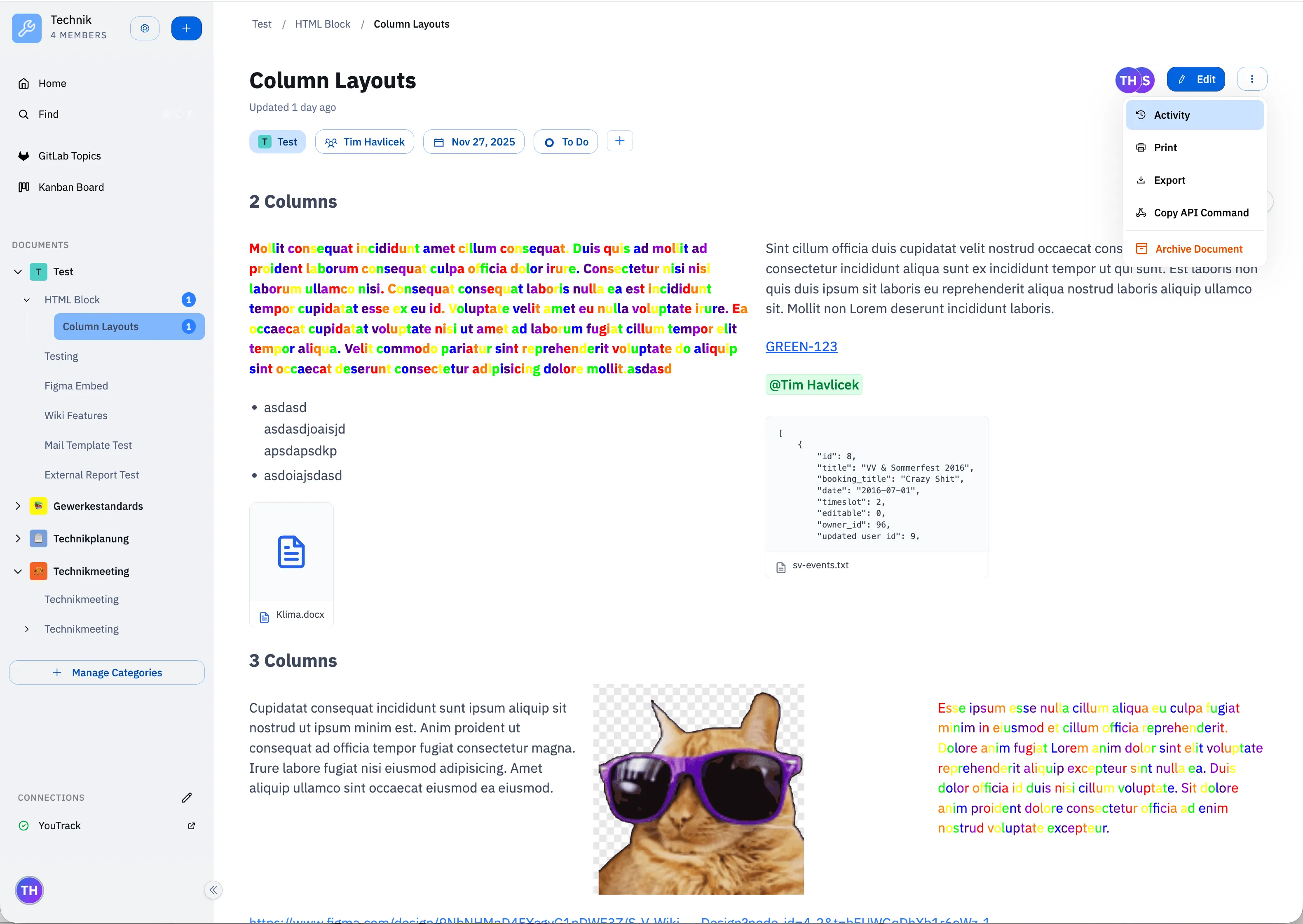
Real-time multiplayer collaboration is built in via Yjs, so multiple people can work on the same document simultaneously with live cursors.
Spaces
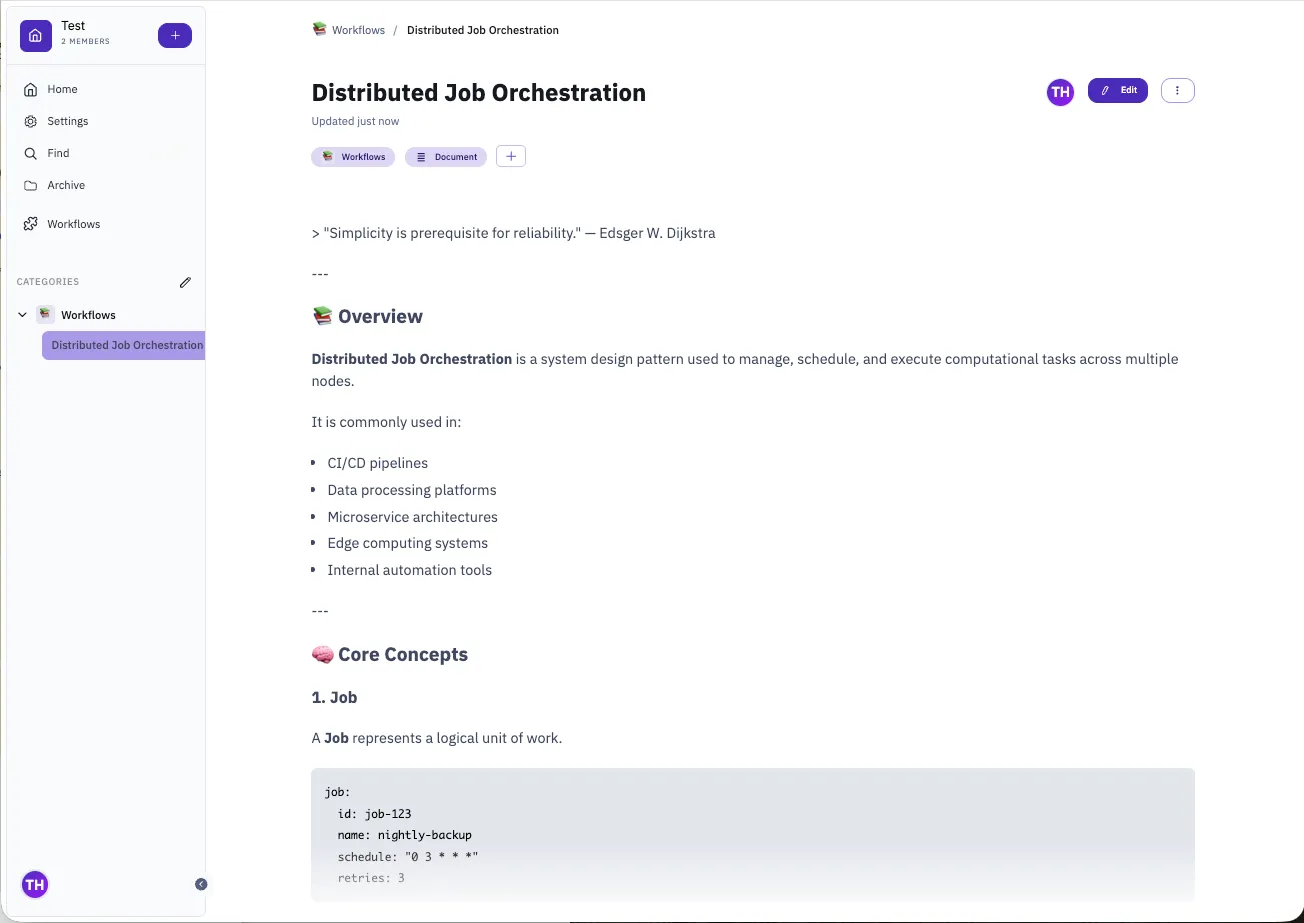
Documents are organized into Spaces — isolated workspaces with their own members, categories, and document hierarchy. Each space can be personalized, and access is controlled per-space. Documents can be tagged, assigned to contributors, and organized into nested categories.
Extensions
One of the more unusual features is the extension system. Extensions are packaged bundles that add new functionality to a space — custom views, editor commands, sidebar panels, or entirely new interfaces like a Kanban board or calendar.
The CLI makes it straightforward to scaffold, package, and deploy them:
vektor extension create my-extension
vektor extension package my-extension
vektor extension upload my-extension --url https://wiki.example.com --space my-space --token $TOKEN
Workflows
Workflows are automation pipelines attached to documents. They can be triggered manually or via API and accept typed inputs. The CLI can run them directly:
vektor workflow abc123 --input file=https://example.com/data.xlsx --jsonExtensions can define custom Jobs as JavaScript and extend functionality to fit your needs.
This makes it easy to use a document as a “runbook” — trigger a workflow from CI, pass in dynamic parameters, and get structured output back, accessible in the UI.
CLI
The vektor CLI provides scripting access to most of the platform:
vektor document ls
vektor document search "distributed systems"
vektor document cat <docId>
vektor document write <docId>   # pipe stdin into a document
Combined with environment variables (WIKI_HOST, WIKI_SPACE_ID, WIKI_ACCESS_TOKEN), this makes Vektor easy to integrate into existing toolchains.
Built for Organizations
Several features are aimed squarely at teams that need more than a personal notes app.
SSO with group sync — Authentication is handled via a generic OAuth2 plugin, so it plugs into whatever your company already uses: Keycloak, Okta, Azure AD, or a self-hosted provider. Groups from the identity provider are synced into Vektor and used for access control, so you don’t have to manage permissions twice. GitLab and YouTrack have dedicated OAuth integrations as well.
Space-level access control — Each space has its own member list. You can keep engineering docs separate from HR docs, with no overlap, on the same instance.
REST API + Webhooks — Every core operation is available over a versioned REST API. Webhooks let external systems react to document changes, making it straightforward to wire Vektor into existing CI pipelines, notification systems, or data warehouses.
Vector search — Full-text search is backed by configurable embeddings (any OpenAI-compatible provider or local model). This means search understands meaning, not just keywords — useful when your docs grow large enough that exact-match search starts failing people.
Version history — Every document change is tracked. You can diff any two versions and restore previous states.
Encrypted secrets — Workflow inputs and extension credentials are stored encrypted at rest, configured via a server-side encryption key.
OpenTelemetry observability — Traces, metrics, and logs ship over OTLP to whatever backend you run (Grafana, Jaeger, Datadog, etc.). Sampling and export intervals are configurable without code changes.